
Reincarnation 100 for Windows
On the Microsoft Store the game installs as a Windows app and opens in its own window, shaped like a phone screen. Free, with no purchases and no ads.
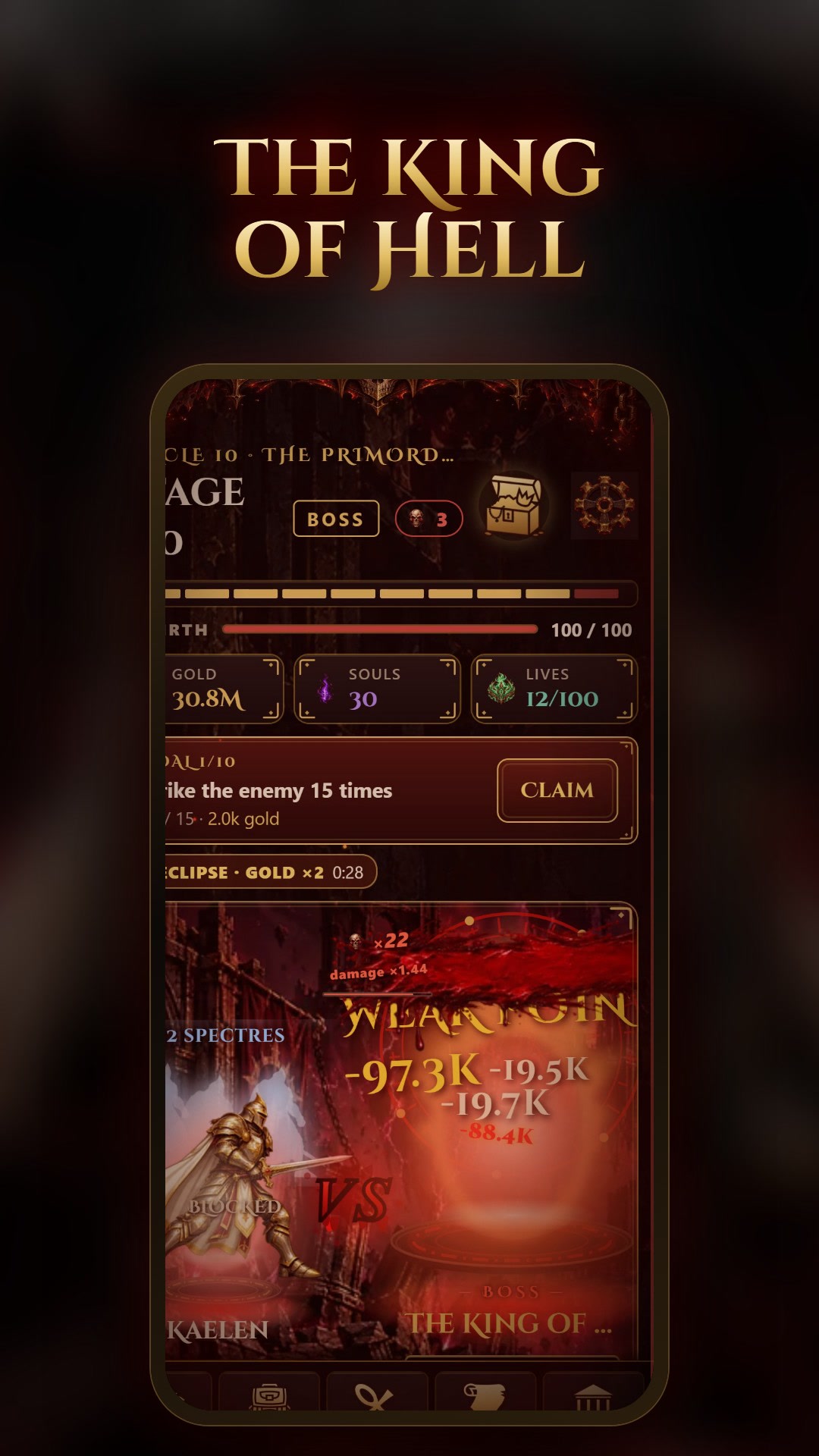
How to install
- 1
Open the game’s page in the Microsoft Store.
- 2
Select Get and wait for the install.
- 3
Start it from the Start menu, like any app.
Good to know
- It is the browser version of the game, packaged as a Windows app: it updates with the site
- The game follows your system language; change it on the title screen
- No purchases and no ads
- Progress stays in the app; a save file moves it elsewhere (Menu > Saves)
About the game
Reincarnation 100 is an offline idle RPG set in a dark fantasy hell. Summoned by the goddess Lysandra, your paladin fights on their own, even without internet, and strikes harder with every tap, like in a clicker. Every death makes them stronger: be reborn, keep your souls and climb higher.
Beat the stage 50 boss to earn your first rebirth. Then face the King of Hell at stage 100. He has 100 reincarnations: each one you take from him drags you into a new life, and the hundredth ends him. He remembers what beat him: the damage, the path and the blessing.
- Idle and tap combat: critical hits, combos, weak points, active powers
- The army of your past lives: echoes of your old lives join the fight
- 10 circles of hell, each with its own arena, weather, enemies and a boss with its own mechanic
- Rebirth with a 1 to 100 counter, souls, talents and legacies at the Pantheon
- Expeditions, the Forge, loot and item fusion
- The King of Hell at stage 100 and his 100 reincarnations
Questions and answers
Do I need the Microsoft Store to play on a computer?
No. You can also play right in your browser, on the game’s site. The Microsoft Store is only for those who want a separate app.